KLT·Profit
Put it on your phone
KLT Profit installs straight from your browser: no app store, nothing to download. About 30 seconds, and it opens full-screen like any other app.
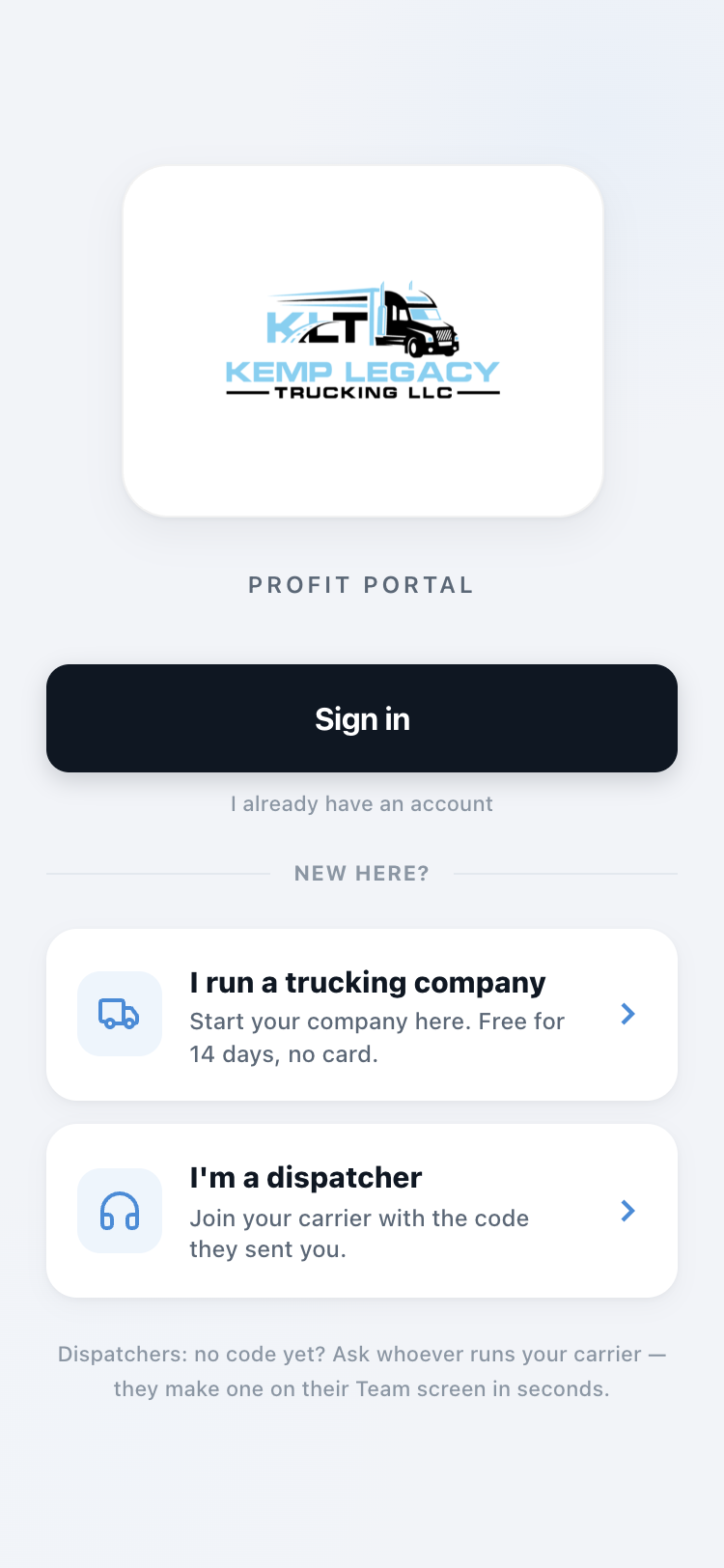
What you'll have when you're done
iPhone / iPad
1
Open klt-profit.pages.dev in Safari (it has to be Safari for this part).
2
Tap the Share button at the bottom of the screen, the square with the arrow pointing up.
3
Scroll down the list and tap Add to Home Screen , then tap Add.
Done. The KLT Profit icon is on your home screen, and it stays signed in.
Android
1
Open klt-profit.pages.dev in Chrome.
2
Tap the three dots in the top right corner.
3
Tap Add to Home screen (some phones say Install app), then confirm.
Done. It's on your home screen and works like any installed app.